Little Dani Little Dani 🎬 Professional 3D animator since 2019 Start now
3D course for beginners

Create your first 3D character animation in up to 2 days

Do you dream of learning 3D animation but don't know where to start? Learn it once and for all — without getting lost in YouTube tutorials, even if you have never opened a 3D program in your life.

I WANT TO START NOW
Lifetime AccessMade for absolute beginners
Little Dani, 3D animator

Little Dani — Professional 3D animator since 2019. Worked on FriendZspace, Star Wars Visions and Não é um Monstro. Achieved her dream of working at Disney Animation in 2022.

Animation by Little Dani
Little Dani

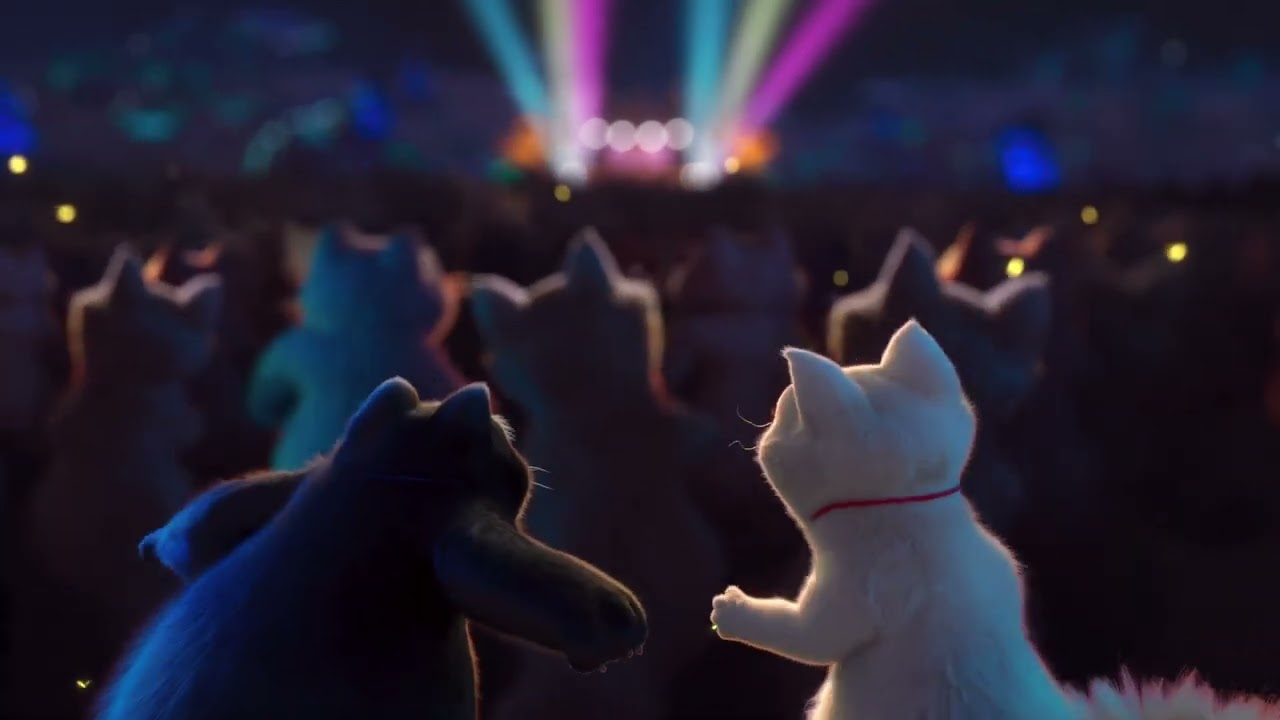
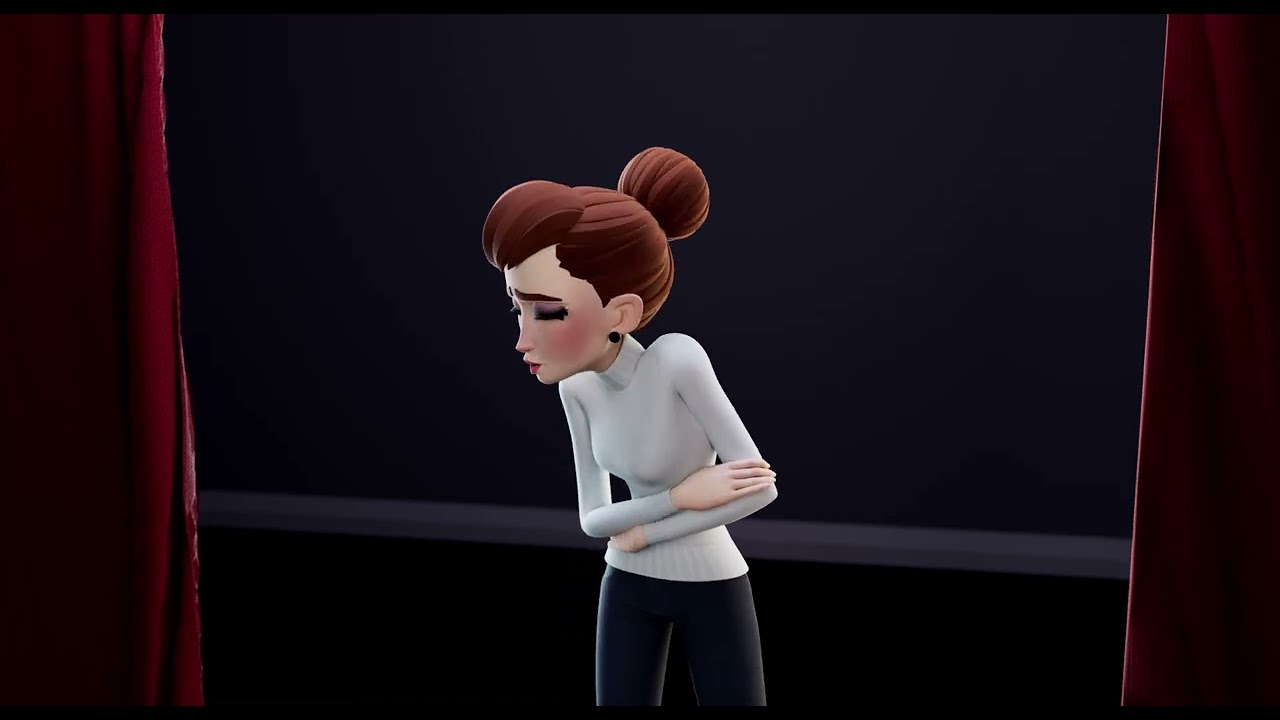
Animations by your instructor

Project Aqua animation by Little Dani

Project Aqua

Vivo animation by Little Dani

Vivo

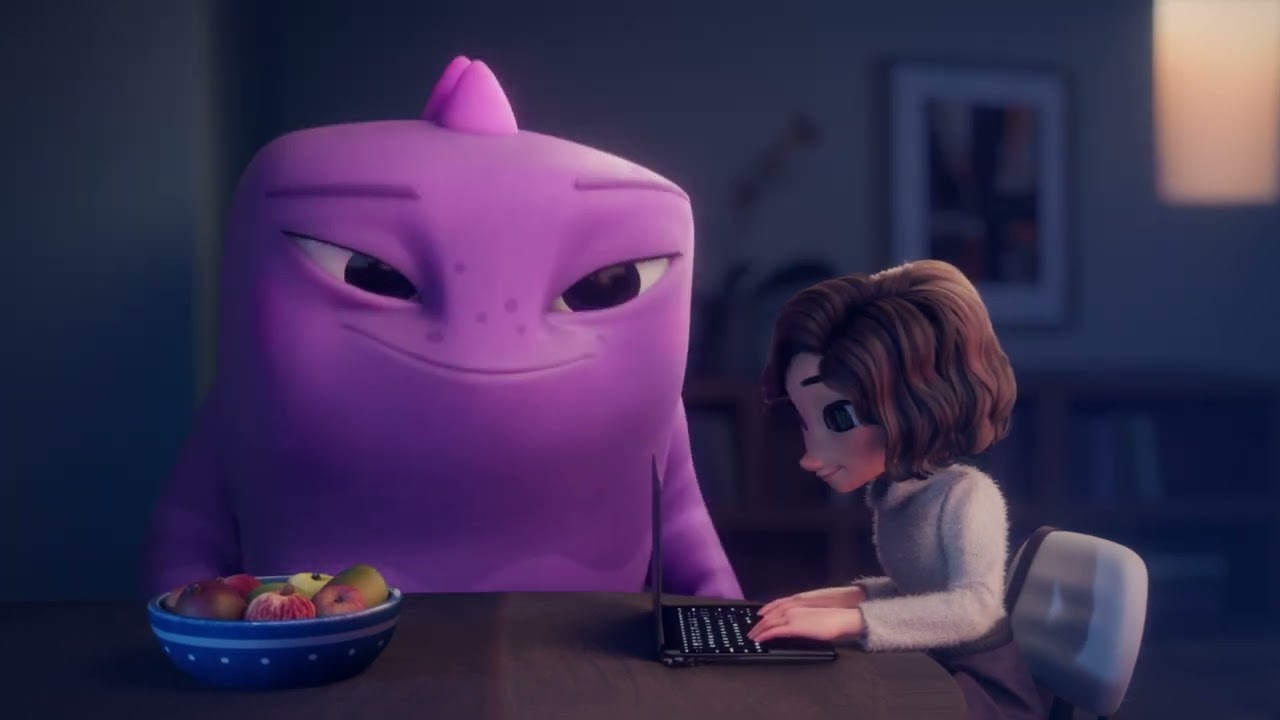
Não é um Monstro animation by Little Dani

Não é um Monstro

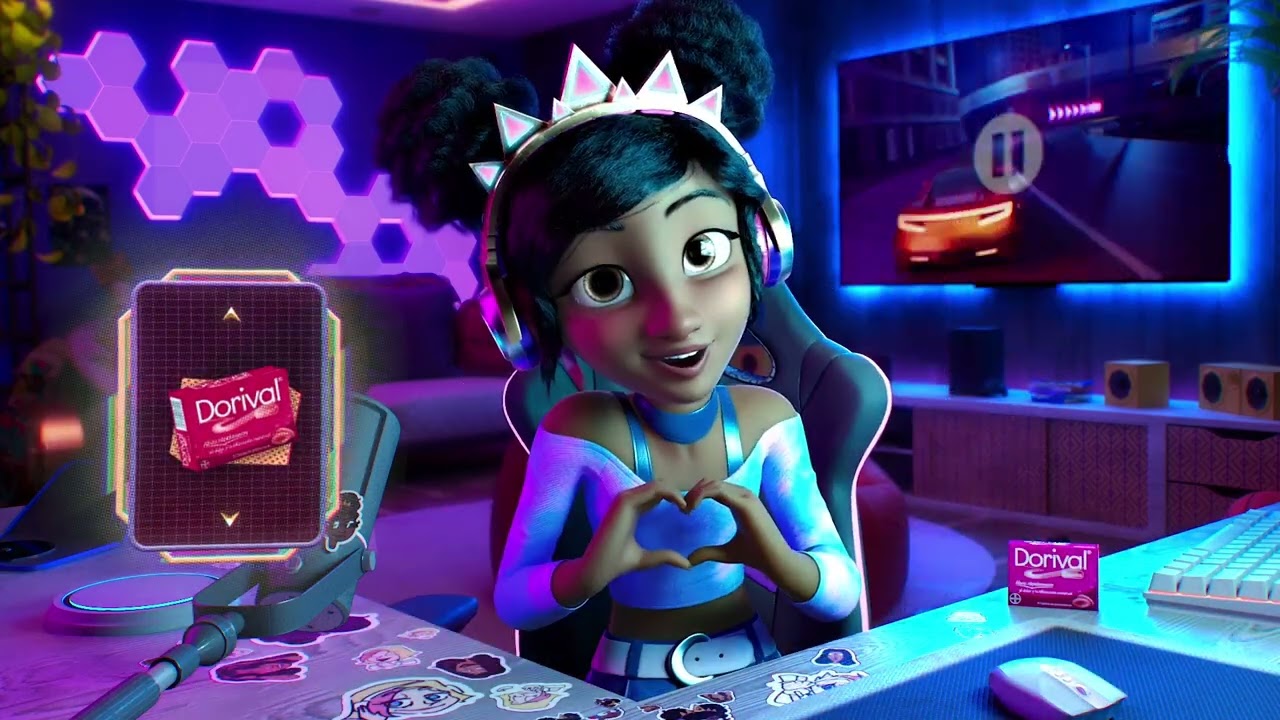
Bayer animation by Little Dani

Bayer

It was in me animation by Little Dani

It was in me

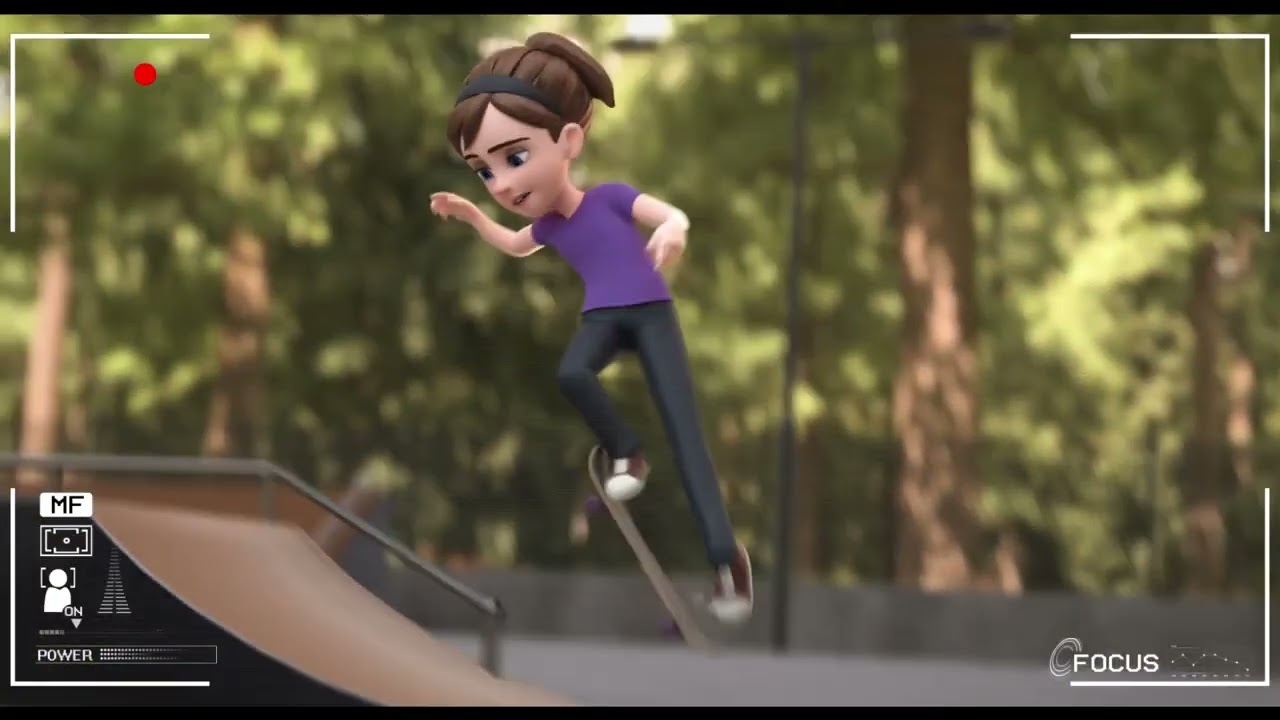
Skating animation by Little Dani

Skating

Students who started from scratch

They got stuck on their first animation too.

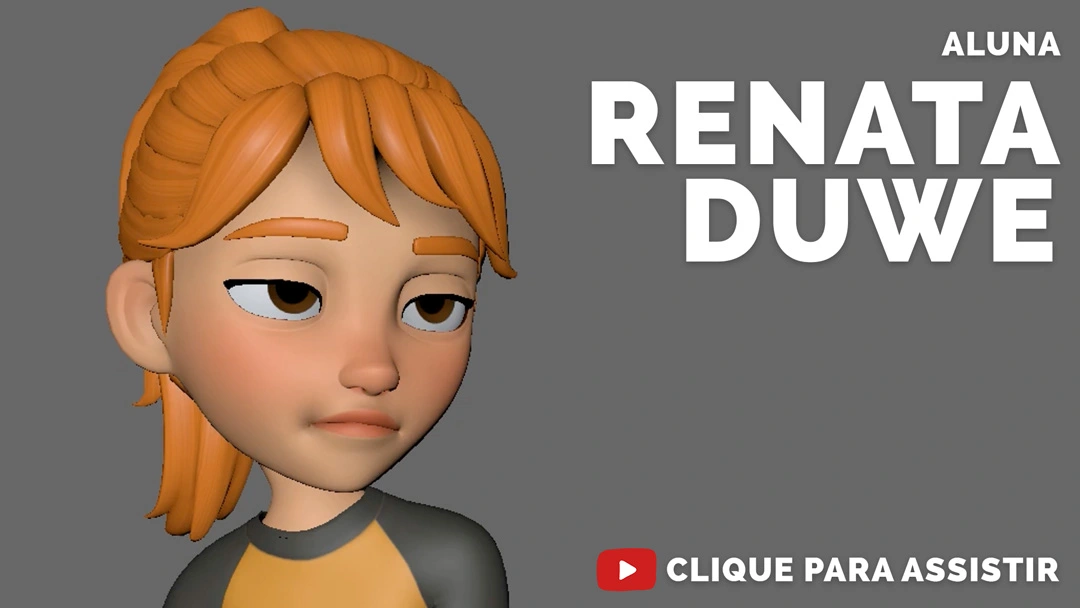
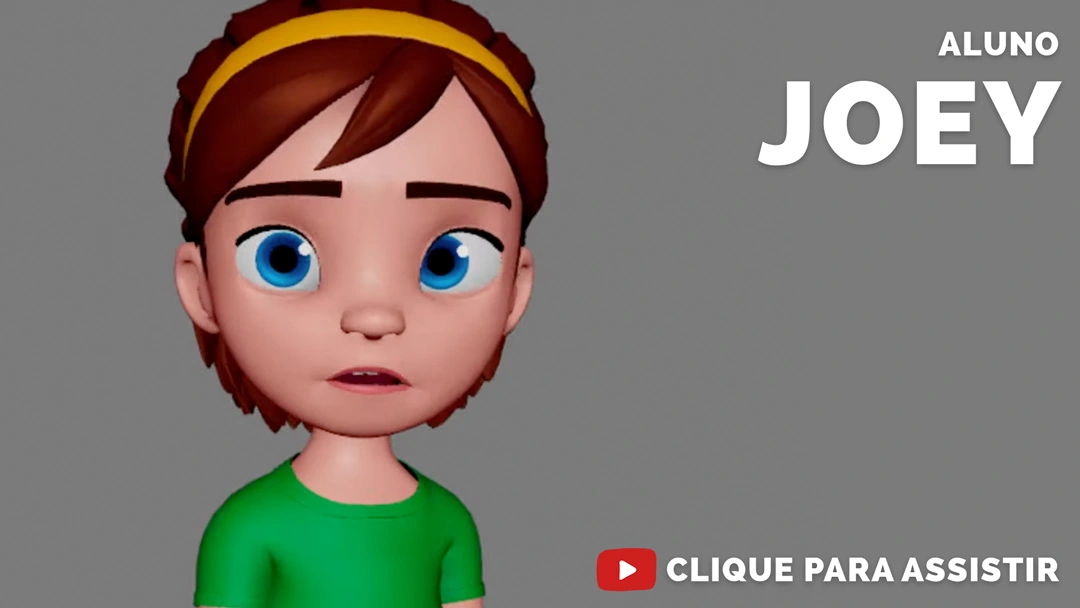
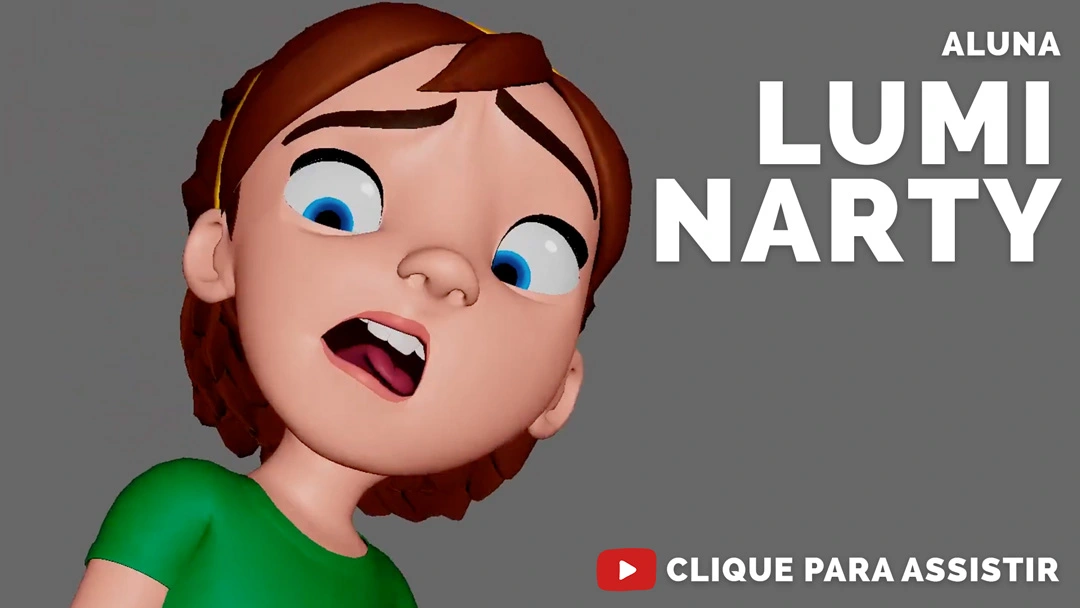
Real student videos, showing the animations they created from scratch (spoken in Portuguese).

Video testimonial from student Renata Duwe
R
Renata Duwe
Student
Video testimonial from student Joey
J
Joey
Student
Video testimonial from student Lumi Narty
L
Lumi Narty
Student

You want to learn 3D animation, but you get stuck every single time you start.

because you think:

I don't know where to start.
I don't think 3D animation is for me.
I think I'm too old to learn animation.
I've wasted hours on YouTube and got nowhere.
I don't have the talent to be a real 3D animator.
Animation is way too hard.

The problem is not that you can't draw well or don't have expensive gear.

What actually holds beginners back is this:

1

The tutorial trap

You watch a pile of random YouTube videos, but nobody shows you the full path: what to do first and what comes next. You learn to click around the software, but you never learn to animate.

2

Rushing the result

You want to see your character moving right away, so you try to learn everything at once. Then you get stuck, decide you're not cut out for it, and quit.

3

The perfect-PC myth

You think you need an expensive computer, an animation school in your city or a course abroad before you can even start. You don't: an ordinary computer and a free program (Blender) are enough for your first animation.

And there is a simple way to organize your practice and actually start animating.

That is exactly why the Beginner 3D Animation Course exists.

It is not about guessing your next exercise. It is about having ready-made materials to create with.

And it is simple to use. It works in 4 steps:

1 Step 1

Download the course files

You get access by email and open everything at your own pace.

2 Step 2

Open Blender and follow the lessons

You learn where to click without getting lost in complicated menus — even if you have never opened a 3D program.

Lesson · Blender basics
3 Step 3

Use the exercises and ready-made materials

You practice each movement in the right order, with ready-made exercises and characters — no modeling required.

Exercise · walk cycle
4 Step 4

Build your first character animation

In up to 2 days of practice, you see your first character come to life.

Character animation
I WANT TO START NOW
Lifetime Access

Everything you get:

🧊

Blender video lessons

Your first steps in the software, teaching animation from scratch.

🏀

Animation exercises

Bouncing ball, head turn and walk cycle to start practicing.

🎭

1 complete character animation

Your first real animation, from start to finish.

🗺️

Simple animation method

Explained step by step, in the right order.

🤖

Ready-to-animate characters

Ready-made files: you do not have to model anything.

📁

Complete lesson files

To practice and review whenever you want.

🎁

Bonus: Progress checklist

To track how far you have come since your first animation.

🎁

Bonus: Who gets stuck on the first frames vs who makes it to Disney

What separates the ones who quit from the ones who grow.

🎓 Certificate of completion
♾️ Lifetime access — use it as many times as you want, forever.

The beginner 3D animation course is for you if you…

It is for you if you

  • Are starting from absolute zero and want to learn 3D animation
  • Dream of learning animation but do not know where to start
  • Have tried to learn animation but never get anywhere
  • Have watched YouTube tutorials but cannot make an animation on your own
  • Are an artist who wants to bring your own characters to life
  • Are a designer who wants to learn 3D animation

It is not for you if you

  • Expect to animate well without practicing
  • Are looking for a ready-made animation to download
  • Already know how to do 3D animation (this is a beginner course)

Checked 2 boxes? The beginner 3D animation course is for you.

I WANT TO START NOW
Investment

Recapping everything you get:

What is included

  • Your first steps in Blender$12
  • 3 simple animations to start practicing$16
  • 1 complete character animation$16
  • Simple animation method explained step by step$16
  • 4 ready-to-animate characters$13
  • Complete lesson files to practice$11
  • Bonus: Progress checklist$4
  • Bonus: Who gets stuck vs who makes it to Disney$5
  • Certificate of completion$6
TOTAL$99

But you are not going to pay all that.

From $99 for just

$25

one-time payment

That is 75% off, with Lifetime Access. COMPLETE MY ENROLLMENT
🔒 100% secure checkout⚡ Instant access by email
7days

7-day unconditional guarantee

If for any reason it is not for you, just request a refund within that window.

For everything you get, you could expect to pay a lot more.

From $99 — for just $25, with Lifetime Access.

How it works:

🔒 100% secure checkout.
📩 You get instant access by email, within minutes.
⬇️ Download the files and start right away.

You pay once and use it forever. Your access arrives by email within minutes.

A conversation before you decide

Little Dani
Little DaniProfessional 3D animator since 2019

I know what it is like to want to bring a character to life and not even know where to start. I have been there: not knowing which exercise to do, not knowing how to improve. I had an idea in my head and could not execute it. I also confused hours of practice with real progress.

I get dozens of messages from people who have dreamed about animation since they were kids and do not know how to move forward: there is no animation school in their city, studying abroad costs way too much, the family suggests a "safer" path — and the dream keeps getting postponed.

Since 2019, I have worked as a 3D animator on professional productions. That is why I created the Beginner 3D Animation Course, with ready-made materials to practice with. You do not need to wait for a school, an expensive computer or the perfect moment: you can start today, on your own computer, with a free program. And it works because you practice each step, in the right order, until you see your character come to life.

Now you have two choices:

Option 1

Keep jumping between random YouTube tutorials, with no order. You start excited, get stuck early and give up. Then you compare your work to everyone else's and feel behind. Your character stays trapped in your head.

Option 2

Take the shortcut with the Beginner 3D Animation Course for $25. You download the files, open Blender and follow the step by step with ready-made exercises and characters. In up to two days, you create your first character animation.

For $25, less than a pizza for two, you solve months of doubts.
Little Dani, 3D animator
Disney Animation · 2022Professional 3D animator
About Little Dani

Little Dani is a professional 3D animator.

  • 🎬Professional 3D animator since 2019.
  • Worked on FriendZspace, Star Wars Visions and Não é um Monstro.
  • 🏰Achieved her dream of working at Disney Animation in 2022.

You learn with materials created by someone who does 3D animation for a living.

Frequently asked questions

You get access in your email right after the purchase. Just log in, download the materials and start.

Yes. You learn the basics of Blender and practice with character, movement and expression exercises.

You get Lifetime Access. You pay once and use the materials whenever you want.

No. You use ready-made materials so you can focus on movement, poses, camera and facial expression.

No. The course starts from the basics: how to open the program, move around in it and create your first movement. You learn before you animate.

Not necessarily. You practice in Blender, a free program. The exercises were designed for beginners.

In up to 2 days of watching and practicing, you can create your first character animation.

From $99 for just

$25

with Lifetime Access. (one-time payment)

Lifetime Access7-day guarantee
$25with Lifetime Access
Start now